
Key Takeaways
- 01The best electrician app setup is usually a stack: one paperwork app (estimates and invoices), one or two free reference/calculator apps, and — once you run crews — a scheduling platform.
- 02Several of the most useful electrician apps cost nothing: Southwire's Voltage Drop Calculator, Fluke Connect, and the ad-supported Mobile Electrician are all free.
- 03Field service platforms are the big-ticket item — Housecall Pro starts at $59/month billed annually and Jobber around $39–$49/month for one user — so make sure the admin time they save covers the subscription.
- 04InvoiceOwl handles estimates, invoices, e-signatures, and QuickBooks Online sync in one app, so you can quote a panel upgrade and get it signed before you leave the driveway.
- 05Ugly's Electrical References puts the field electrician's favorite pocket reference on your phone as a one-time purchase, updated for the 2026 NEC.
You can't run wire from your phone, but almost everything else about an electrical business — quoting a service upgrade, checking a conductor size, logging a panel photo, chasing a payment — now happens faster on an app than on paper. The problem is that "electrician apps" covers everything from free wire-size calculators to $500-a-month field service platforms, and nobody needs all of it.
This roundup sorts the ten apps that actually earn a spot on a working electrician's phone in 2026, with current pricing for each. Prices change often, so treat the figures below as a starting point and confirm on each vendor's site before you subscribe.
Best Electrician Apps Compared
Top 10 Electrician Apps Comparison
| App | Best For | Pricing |
|---|---|---|
| InvoiceOwl | Estimates, invoices, e-signatures, and QuickBooks Online sync from the job site | Free trial; see the InvoiceOwl pricing page for current plans |
| Ugly's Electrical References | NEC tables, formulas, and conductor data in your pocket | One-time purchase (about $10); 2026 edition matches the 2026 NEC |
| Southwire Voltage Drop Calculator | Sizing conductors and checking voltage drop on the spot | Free (iOS and Android) |
| Mobile Electrician | All-purpose electrical calculators: Ohm's law, short-circuit current, cable capacity | Free with ads; Pro version about $3 one-time |
| NFPA LiNK | Official digital access to the NEC and other NFPA codes | Paid annual subscription — check nfpa.org for current rates |
| Fluke Connect | Reading and logging measurements from Fluke test tools at a safe distance | Free app (requires Fluke Connect-enabled tools) |
| CompanyCam | Photo documentation of every panel, rough-in, and finished job | Paid plans; restructured in 2026 — roughly $63/month and up, confirm at companycam.com |
| Housecall Pro | Scheduling, dispatch, and payments for service-call shops | From $59/mo billed annually ($79 month-to-month) |
| Jobber | Quoting, scheduling, and client management for growing crews | From about $39–$49/mo for one user; less on annual billing |
| QuickBooks Online | Accounting, payroll hooks, and tax-ready books | Simple Start $38/mo; frequent new-customer discounts |
1. InvoiceOwl — Estimates and Invoices Signed On-Site
The slowest part of most electricians' sales process isn't the work — it's the paperwork lag. You look at the job, drive home, write the quote that evening, email it, and wait. InvoiceOwl closes that gap: build the estimate on your phone while you're still standing in front of the panel, collect the customer's e-signature on the spot, and convert it to an invoice when the work is done.
Key features
- Create and send estimates and invoices from the job site, using saved line items for common work like outlet installs, panel swaps, and fixture replacements
- Collect legally recognized e-signatures so approval is documented before you order material
- Track invoices in real time and see when a customer has viewed one
- QuickBooks Online sync — estimates and invoices flow to your books with no double entry
- Purchase orders, credit memos, and client management in the same app
Pros
- Fast learning curve — built for tradespeople, not accountants
- Unlimited estimates and invoices on paid plans
- E-signature plus invoice tracking covers the whole quote-to-paid trail
Cons
- Not a scheduling/dispatch platform — pair it with a calendar or field service app if you run multiple crews
2. Ugly's Electrical References — The Pocket Reference, Digitized
Ask ten electricians what's in their truck and at least nine will mention Ugly's. The app version puts the same NEC tables, formulas, conductor properties, motor data, and bending guides on your phone, searchable instead of dog-eared. The current edition reflects the 2026 NEC, with updated coverage of items like full-load currents for three-phase transformers and EMT conductor fill for the large trade sizes.
Pros
- One-time purchase of about $10 — the subscription model was dropped
- Faster than flipping pages when you're on a ladder
- Available on iOS and Android
Cons
- A reference, not a calculator — it tells you the table value, you do the math
3. Southwire Voltage Drop Calculator — Free Conductor Sizing
Southwire's free app answers the two questions field electricians ask constantly: what size wire do I need for this run, and what's the voltage drop on this conductor? It sizes conductors against both your voltage-drop limit and NEC ampacity, supports parallel runs and DC circuits, and has commercial and residential modes. For a free, single-purpose tool from a wire manufacturer, it's remarkably complete.
Pros
- Free on iOS and Android, no account needed
- Considers NEC ampacity, not just voltage drop, when sizing
- Handles parallel conductor configurations
Cons
- AWG and kcmil sizes only
- Does one job — you'll still want a general calculator app alongside it
4. Mobile Electrician — The Swiss Army Calculator
Mobile Electrician bundles dozens of electrical calculators into one app: Ohm's law for AC and DC, wye-delta transformation, short-circuit current, UPS battery sizing, cable reel capacity, motor calculations, and the cost of running a given appliance. The free version is ad-supported; the Pro version removes ads for about $3, one-time.
Pros
- Enormous range of calculators for the price of free
- Works offline — useful in basements and mechanical rooms
- Pro version is a one-time purchase, not a subscription
Cons
- The interface is dense; finding the right calculator takes some digging at first
- Utility-grade design, not pretty
5. NFPA LiNK — The Code Itself
Ugly's summarizes the code; NFPA LiNK is the code. The NFPA's official digital platform gives you searchable access to the NEC (NFPA 70) and the rest of the NFPA library, going back several editions — useful when your jurisdiction hasn't adopted the newest cycle. It's a paid annual subscription, and NFPA raised prices in 2025, so check nfpa.org for the current rate before subscribing.
Pros
- The authoritative text, with expert commentary and search
- Access to prior editions matters when your AHJ enforces an older cycle
- Team plans available for shops with multiple license holders
Cons
- Subscription cost adds up compared with a one-time code book purchase
- Overkill if Ugly's plus your paper code book covers your day-to-day
6. Fluke Connect — Your Meters, Networked
If you already run Fluke Connect-enabled test tools, the free Fluke Connect app is a no-brainer. It pulls live readings from your meters, clamps, and thermal cameras to your phone from up to 20 meters away — which means you can watch a measurement without standing next to energized equipment — and logs measurements, photos, and notes to the cloud so each asset builds a history.
Pros
- Free app; reading at a distance is a genuine safety win
- Automatic measurement logging beats scribbled clipboard readings
- Share live measurements with a colleague for remote troubleshooting
Cons
- Only worthwhile with compatible Fluke tools, which are premium-priced
- Cloud features are more than a one-person shop may need
7. CompanyCam — Photo Documentation That Holds Up
For electricians, photos are liability protection: the state of the panel before you touched it, the rough-in before drywall, the junction box you're being blamed for that you never opened. CompanyCam timestamps and organizes job photos by project automatically and lets your whole crew contribute to the same photo timeline. The company restructured its pricing in 2026 — plans now start at roughly $63/month for a solo user, with team tiers above that — so confirm current numbers at companycam.com.
Pros
- Photos organized by job automatically, with timestamps and location
- Annotations and reports impress GCs and adjusters
- Solves the "it was like that when I got here" argument permanently
Cons
- Pricing has climbed with the 2026 restructure; a solo tech can get partway there with a well-organized camera roll
- Yet another per-month subscription to justify
8. Housecall Pro — Service-Call Operations
When your business is a steady stream of residential service calls, dispatch and scheduling become the bottleneck. Housecall Pro handles online booking, scheduling, dispatching, invoicing, and card payments. The Basic plan runs $59/month billed annually ($79 month-to-month); GPS tracking and QuickBooks integration require higher tiers, which is worth knowing before you commit.
Pros
- Strong scheduling, dispatch, and customer-notification workflow
- Customers can book online — fewer phone-tag hours
- Built-in payment processing
Cons
- Key features like QuickBooks integration sit on pricier tiers
- More platform than a one-truck shop needs on day one
9. Jobber — Quoting and Crews for Growing Shops
Jobber covers similar ground — quotes, scheduling, invoicing, client management — with a reputation for being easier to learn. Entry pricing for a single user runs about $39–$49/month depending on billing terms (annual billing is cheaper), with a 14-day free trial. It shines once you're coordinating two or three crews and need everyone seeing the same schedule.
Pros
- Clean interface; crews adopt it quickly
- Quote follow-up automations chase approvals for you
- Scales from solo to multi-crew without switching platforms
Cons
- Per-user pricing gets significant as the team grows
- Electrical-specific features (code references, load calcs) don't exist — it's generic field service software
10. QuickBooks Online — The Books Behind It All
Whatever runs your field work, your accountant almost certainly wants the results in QuickBooks. QuickBooks Online's Simple Start plan is $38/month as of this writing (Intuit has raised prices more than once recently, and new-customer discounts are common), and it handles the accounting layer: expense tracking, tax categories, reports, and payroll add-ons. If you'd rather not do data entry twice, use an invoicing app that syncs to QuickBooks Online automatically.
Pros
- The de facto standard — every accountant and bookkeeper knows it
- Grows from solo operator to multi-employee shop
- Big ecosystem of integrations
Cons
- Repeated price increases; watch your plan tier
- Accounting software, not field software — you still need something for quotes and scheduling
Quote It Before You Leave the Driveway
InvoiceOwl lets electricians build estimates on-site, collect e-signatures, and turn approved quotes into invoices — with QuickBooks Online sync so nothing gets typed twice.
Start Your FREE TrialHow to Choose Your App Stack
Don't start with the most expensive platform. Start with where you actually lose time or money, and add apps in that order:
Before you subscribe to anything, know your numbers: your labor cost and markup tell you what an hour of saved admin time is actually worth. And if estimating itself is where you struggle, our guide to estimating electrical work covers the process the apps are automating — or build a price book so your line items are consistent across every quote.
Frequently Asked Questions
Most working electricians run a small stack rather than one app: a code reference (Ugly's or NFPA LiNK), a free calculator or two (Southwire Voltage Drop, Mobile Electrician), and a business app for estimates and invoices such as InvoiceOwl. Shops with several trucks usually add a scheduling platform like Housecall Pro or Jobber on top.
Yes — some of the most useful ones are free. Southwire's Voltage Drop Calculator and Fluke Connect cost nothing, Mobile Electrician is free with ads (about $3 to remove them), and most paid business platforms offer free trials. The free tier of the app world covers calculations and references well; it's the business-management side where subscriptions start.
A solo electrician can run a professional operation for well under $100/month: free calculators, a roughly $10 one-time code reference, an estimating/invoicing app, and QuickBooks Online at $38/month. A multi-crew shop adding a field service platform and photo documentation might spend $150–$300/month. Whatever you spend, build it into your overhead so your rates recover it — our guide to calculating overhead cost shows how.
NFPA LiNK is the official digital version of the NEC, sold as an annual subscription with access to current and prior editions. If you just need the tables and common values rather than the full code text, the Ugly's Electrical References app (updated for the 2026 NEC) covers most day-to-day lookups for a one-time purchase of about $10.
Very nearly. Estimates, invoices, e-signatures, payments, scheduling, job photos, and measurement logging all work phone-first now. What still tends to live on a bigger screen is detailed takeoff work on large commercial bids and your year-end accounting. For a service-and-repair electrician, a phone with the right five apps genuinely can replace the office desk most days — start by sending your next quote from an electrical invoice template or estimate template instead of a Word document.
Related Resources

10 Best Apps for Painting Contractors in 2026
Are you a painting contractor looking to boost productivity? Here are the best apps for painting contractors that can help scale your business to new heights.
Read more
6 Best Construction Estimating Software Contractors Should Try
Associated with the construction industry for a while? Explore 6 most popular estimator software to reduce your business paperwork. Follow the given steps to make construction estimates using automated accounting software.
Read more
20 Best Electrician Tools You Definitely Need to Have
This guide lists the 20 best electrician tools to increase efficiency and productivity on the job. Find out which tools you need for your toolkit today!
Read more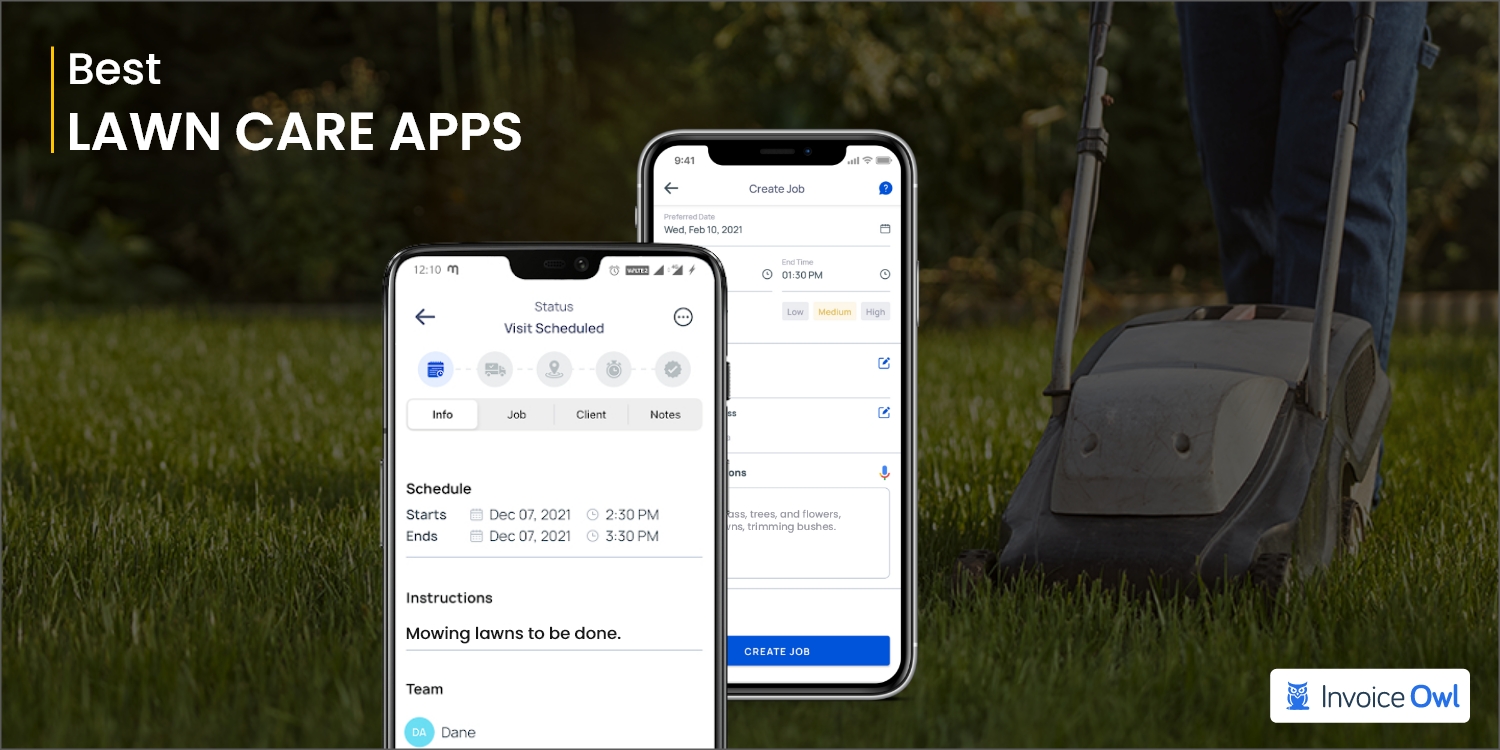
10 Best Lawn Care Apps for Contractors in 2026
Managing a lawn care business can be overwhelming without the right tools. Here are the best lawn care apps for contractors to effectively run their businesses.
Read moreElectrical Estimate
Complete electrical estimates and invoicing in minutes with our easy-to-use software for electrical contractors. Start your free 14-day trial today.
Read more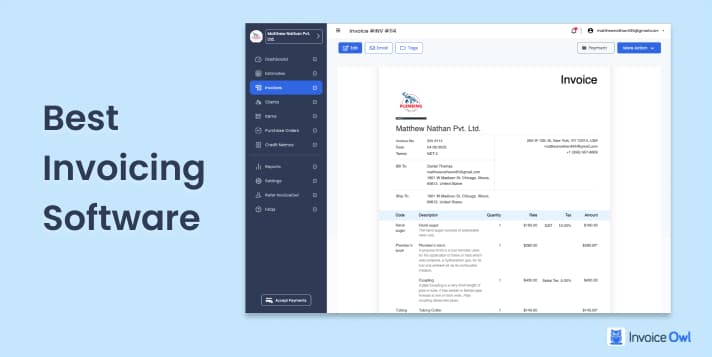
Best Invoicing Software for Small Businesses (2026)
Compare the top invoicing software solutions for small businesses and contractors. Find detailed reviews, pricing, features, and user feedback to choose the right tool for your needs.
Read moreBest Invoicing Software for Small Businesses and Contractors
Pick the best invoicing software for your contracting business by comparing the best 11 invoicing software curated referring the user reviews on various platform.
Read more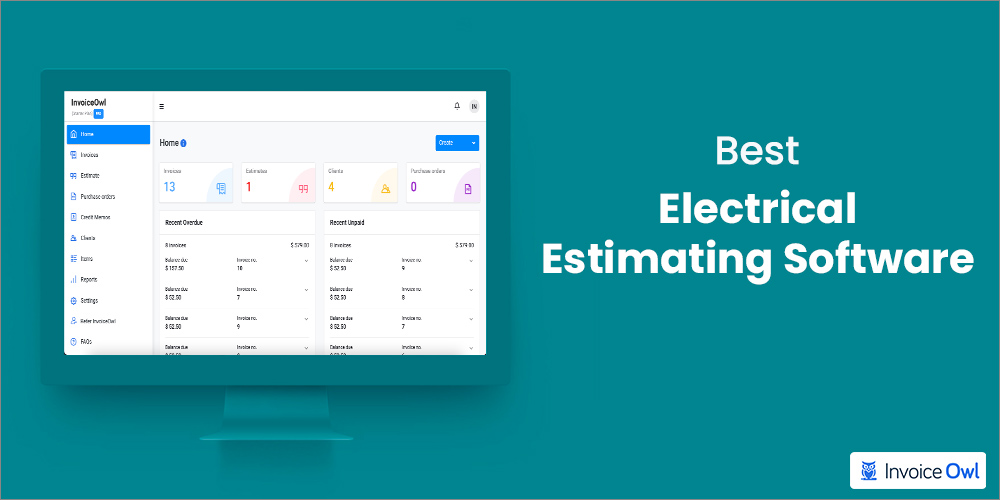
5 Best Electrical Estimating Software in 2026
You might need to create, manage, and organize multiple estimates. So, here is a list of the best electrical estimating software to help you do that efficiently.
Read more10 Best Apps for Painting Contractors in 2026
Are you a painting contractor looking to boost productivity? Here are the best apps for painting contractors that can help scale your business to new heights.
Read more6 Best Construction Estimating Software Contractors Should Try
Associated with the construction industry for a while? Explore 6 most popular estimator software to reduce your business paperwork. Follow the given steps to make construction estimates using automated accounting software.
Read more20 Best Electrician Tools You Definitely Need to Have
This guide lists the 20 best electrician tools to increase efficiency and productivity on the job. Find out which tools you need for your toolkit today!
Read more10 Best Lawn Care Apps for Contractors in 2026
Managing a lawn care business can be overwhelming without the right tools. Here are the best lawn care apps for contractors to effectively run their businesses.
Read moreElectrical Estimate
Complete electrical estimates and invoicing in minutes with our easy-to-use software for electrical contractors. Start your free 14-day trial today.
Read moreBest Invoicing Software for Small Businesses (2026)
Compare the top invoicing software solutions for small businesses and contractors. Find detailed reviews, pricing, features, and user feedback to choose the right tool for your needs.
Read moreBest Invoicing Software for Small Businesses and Contractors
Pick the best invoicing software for your contracting business by comparing the best 11 invoicing software curated referring the user reviews on various platform.
Read more5 Best Electrical Estimating Software in 2026
You might need to create, manage, and organize multiple estimates. So, here is a list of the best electrical estimating software to help you do that efficiently.
Read more10 Best Apps for Painting Contractors in 2026
Are you a painting contractor looking to boost productivity? Here are the best apps for painting contractors that can help scale your business to new heights.
Read more6 Best Construction Estimating Software Contractors Should Try
Associated with the construction industry for a while? Explore 6 most popular estimator software to reduce your business paperwork. Follow the given steps to make construction estimates using automated accounting software.
Read more20 Best Electrician Tools You Definitely Need to Have
This guide lists the 20 best electrician tools to increase efficiency and productivity on the job. Find out which tools you need for your toolkit today!
Read more10 Best Lawn Care Apps for Contractors in 2026
Managing a lawn care business can be overwhelming without the right tools. Here are the best lawn care apps for contractors to effectively run their businesses.
Read moreElectrical Estimate
Complete electrical estimates and invoicing in minutes with our easy-to-use software for electrical contractors. Start your free 14-day trial today.
Read moreBest Invoicing Software for Small Businesses (2026)
Compare the top invoicing software solutions for small businesses and contractors. Find detailed reviews, pricing, features, and user feedback to choose the right tool for your needs.
Read moreBest Invoicing Software for Small Businesses and Contractors
Pick the best invoicing software for your contracting business by comparing the best 11 invoicing software curated referring the user reviews on various platform.
Read more5 Best Electrical Estimating Software in 2026
You might need to create, manage, and organize multiple estimates. So, here is a list of the best electrical estimating software to help you do that efficiently.
Read more